
The short answer
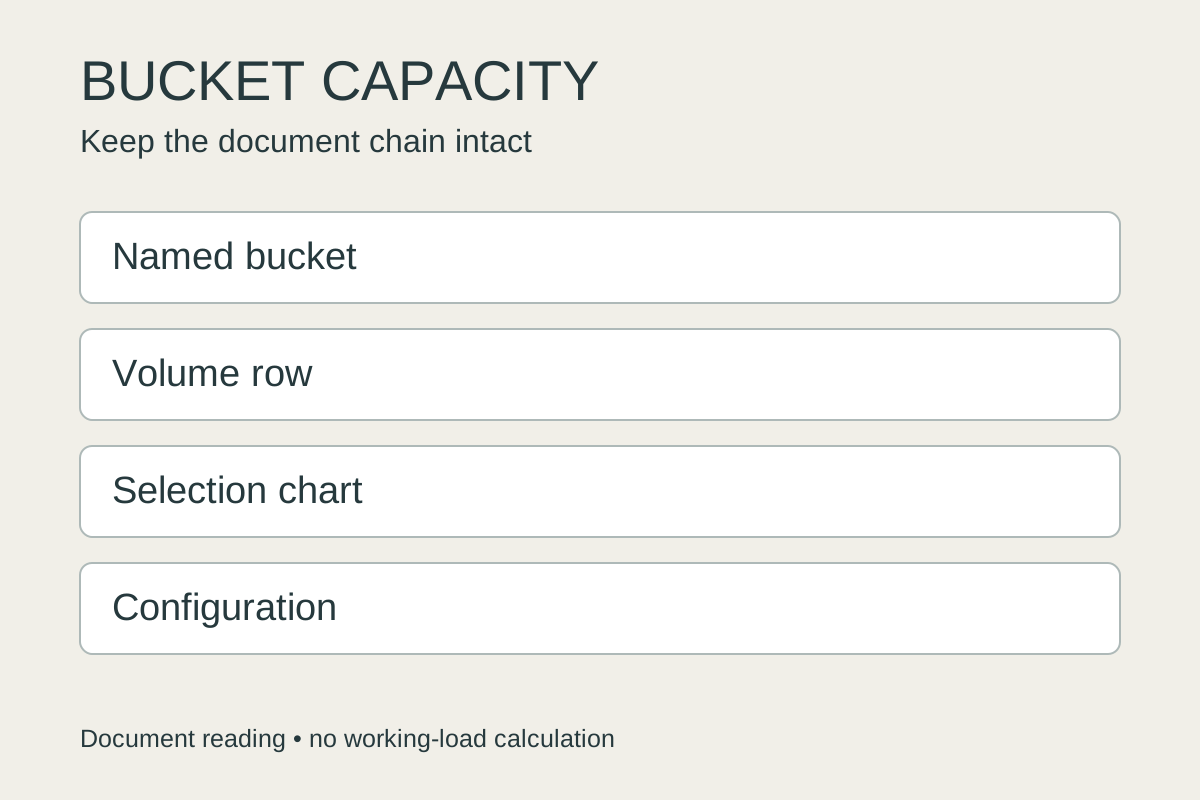
Read wheel loader bucket capacity as a specification tied to a particular bucket and machine configuration. A model-level capacity range helps you shortlist loaders, but it does not identify the bucket included in an offer. Find the named bucket’s heaped-volume row, the applicable material-density selection chart and the configuration behind the load data. Keep those references together before accepting a capacity claim or asking whether that bucket suits your material.
01
Read the model range as a shortlist, not the installed bucket
A loader listing may give one bucket-capacity figure, while a manufacturer page gives a wide range. Those statements answer different questions. The range describes the model’s published bucket options; the offer needs to identify which attachment is actually included. Starting with the largest number on the model page leaves that purchasing question open.
The Volvo L260 catalogue for Latin America and the Caribbean illustrates the distinction. It displays a bucket-capacity range, then identifies a specific bucket configuration as the basis for its detailed specifications. The presence of both fields is useful: it tells you to move from the broad model page to a particular attachment and configuration reference before comparing an offer.
Use the range to organize a used wheel loader shortlist. Then ask the seller which bucket reference, attachment description and specification document belong to the machine being quoted. A model name accompanied by a capacity range is still a shortlist entry. It becomes a more useful offer when the seller connects the installed bucket to an identifiable document.
The Volvo materials here are manufacturer document examples from a regional product page. They do not establish the specifications, availability or compliance of a machine offered for another market. For a used loader, keep the model and serial identification beside the bucket photos and references supplied for that particular offer.
02
Choose the heaped-capacity row before comparing figures
Once the bucket is identified, preserve the heading above the capacity number. Page 9 of the linked Volvo L260 brochure uses named attachment columns and separate rows for “Volume, heaped ISO/SAE” and “Volume at 110% fill factor.” Copying a figure without its row label loses an important part of the specification.
If one seller cites the heaped ISO/SAE row and another cites the fill-factor row, first ask both to identify their basis. Do not treat the figures as two competing heaped capacities. The brochure deliberately labels them separately. Its stated fill-factor row also does not guarantee that every scoop of your material will achieve that fill or give permission to exceed a machine’s load allowance.
Record the source page, attachment column, row heading, value and units as one reference. When the offered bucket has a different part reference or construction, ask for its own capacity declaration. A familiar volume number is not enough to establish that two attachments share the same rating basis.

This comparison is about the declared volume field. Actual filling and permitted working load are further questions requiring the applicable machine documents. Keeping them separate prevents an attractive volume figure from becoming an unsupported payload conclusion.
03
Use the manufacturer’s material-density chart in its own scope
Page 10 of the brochure presents a Bucket Selection Chart against material density, with bucket and application references. That is a different kind of information from the model’s capacity range. It connects the selection question to a particular manufacturer’s buckets and configuration context, rather than asking the buyer to choose the largest volume available.
Volvo’s attachment pages also make the application distinction visible. Its low-density light-material bucket is described for materials such as compost, refuse and coal. Its heavy-duty general-purpose bucket is described for low-impact work with moderately abrasive materials such as dirt, loam, gravel and clay. These are descriptions of named Volvo attachments, rather than a universal selection rule for every bucket sold under those labels.
Start with the material you expect to handle and ask what density information the supplier needs to assess it against the applicable chart. Retain the source and condition of any density value supplied. A material name by itself should not fill in a missing value. If the actual material information is unavailable, leave the chart selection unresolved and request the missing evidence.
Then ask the supplier to identify the chart, attachment reference and relevant application notes used in the proposal. The printed brochure notes that its rock-bucket sizing considers penetration and filling capability rather than material density alone. That is a useful reason to read the application notes alongside the density axis, instead of treating density as the sole selection criterion.
Use the original chart for the offered configuration. A text extract can help locate its title and notes, but it cannot reliably preserve the graphical limits of every bar. Do not infer a numeric selection boundary from flattened PDF text or borrow a generic density table to settle an unresolved configuration question.
04
Read the configuration footnotes beside the payload question
A bucket table can include much more than volume. Before using its load-related information, check the configuration notes attached to the same column. In the Volvo brochure’s page 9 table, the footnotes distinguish tire configurations, and one group also specifies an additional counterweight. The page includes a further restriction: the table applies to genuine Volvo attachments.
Those notes belong to the data. If an offered loader has a different bucket, tires, counterweight or boom arrangement, the seller needs to identify the documentation that applies to that arrangement. A table copied from the right model family can still leave its applicability to the offered machine unanswered.
The brochure also has long-boom references and supplemental configuration data. Keep that context visible when reviewing a seller’s capacity statement. Do not silently combine a standard-configuration bucket column with another configuration’s dimensions or load figures to create a specification the manufacturer did not publish.

For the payload question, request the manufacturer’s applicable working-load or operating documentation for the identified machine and attachment. A volume row does not provide that answer, and a static tipping-load row should not simply be renamed as permitted working payload. This guide uses the brochure to identify the documentary context; it does not calculate an allowable load.
05
Keep website and brochure reference configurations separate
Two official references may be useful without being interchangeable. The L260 web specification basis identifies a 6.7 m³ STE BOE P bucket. Page 8 of its linked brochure identifies WLA86782, 7.3 m³ STE FF P BOE as the bucket for that dimensions reference. Preserve both descriptions as printed instead of quietly choosing one value to fill the other document’s gaps.
This example does not establish that one document is wrong or that both describe the same offered unit. It shows why “from the manufacturer website” is an incomplete citation for a used-machine specification. The bucket reference and the configuration behind each set of figures still matter.
Keep the document title or edition, market, page and reference configuration with the information supplied by the seller. Ask which reference applies to the quoted machine and why. When a brochure and web page use different bucket descriptions, retain that difference as a question to resolve, rather than constructing a hybrid record from their most attractive figures.
The web page itself warns that production appearance and features may differ between markets and models. For a used-machine offer, compare the documents with the actual model and serial identification, installed assembly records and photographs. Keep those records alongside the machine inspection evidence gathered for the purchase.
Configuration documentation and condition evidence answer different purchasing questions. The former identifies what a specification describes; the latter records what the offered assembly looks like and which condition questions remain. Neither should be used to fill a missing answer in the other.
06
Ask for a complete bucket-selection document packet
A useful response from the seller connects the catalogue statement to the quoted equipment. Ask for the machine identity, installed bucket reference and photographs, the capacity declaration with its row label and units, the applicable selection chart, and the boom, tire and counterweight context. Include the material information already available and state what remains unknown.
Keep the packet easy to trace:
| Document | Question it should resolve |
|---|---|
| Model catalogue or specification page | What bucket range is being advertised, and what reference configuration underlies the detailed figures? |
| Identified bucket specification | Which attachment and declared volume row belong to the offer? |
| Manufacturer selection chart and notes | How is the proposed bucket assessed against the intended material and application? |
| Applicable configuration and load documentation | Which boom, tire, counterweight and attachment conditions apply to the quoted machine? |
| Seller’s clarification | Which document differences or missing applicability fields have been resolved? |
This packet is a way to evaluate the evidence behind a purchasing proposal. It is not a capacity calculator. A seller’s response is most useful when another reader can follow the exact bucket and configuration references without guessing which catalogue number was intended.
For a hypothetical offer described only as “L260, large bucket,” the next step is to obtain the installed bucket reference and applicable documents. Even a manufacturer link does not close those fields by itself. Once the seller identifies the relevant column, row, chart and configuration, you can see which parts of the proposal are documented and which still need clarification.
Send the machine and bucket document packet with the purchasing inquiry. Direct Excavator’s wheel-loader category and contact form support a machine-specific inquiry. Attach the seller’s existing answers and the unresolved questions, so the discussion starts with the particular machine and bucket under consideration.
07